
If you are searching for “IPTV Error Code 458 Reddit”, “IPTV error 458 fix”, “458 too many connections IPTV”, or “IPTV playlist blocked solution”, you are not alone.
This is one of the most common IPTV errors in 2025 and is almost always caused by IP conflicts, multiple device usage, or abnormal connection behavior.
This guide explains exactly:
- What IPTV Error Code 458 means
- Why your IPTV service blocks your connection
- How to fix IPTV Error 458 step-by-step
- How to prevent it from happening again
What Does IPTV Error Code 458 Mean?
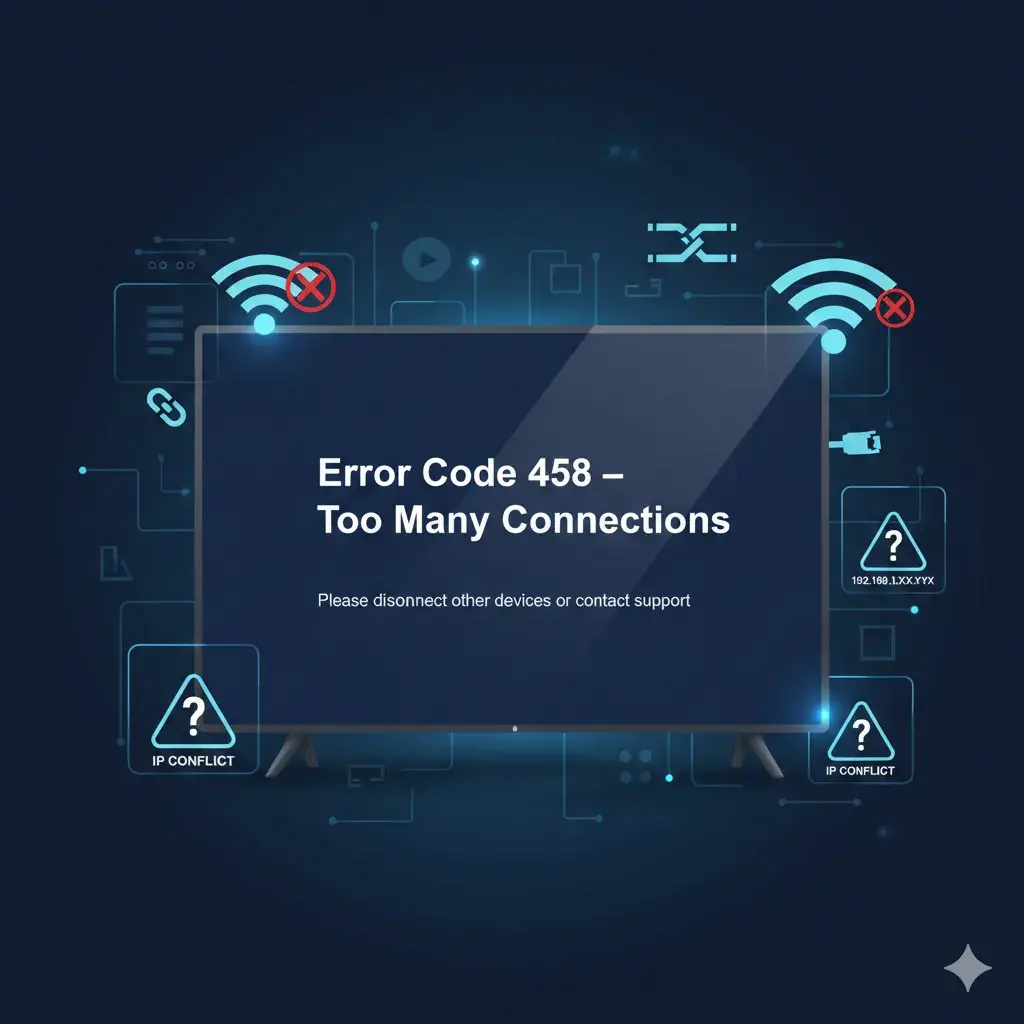
IPTV Error 458 = Connection Rejected by Server
Your IPTV provider’s system has detected abnormal activity and has temporarily blocked your playlist or account to protect server stability.
On Reddit and IPTV forums, this error is commonly described as:
- Too many connections IPTV error
- IPTV error 458 reddit solution needed
- Playlist disabled after VPN change
- Authorization failed / account blocked
All of these point to the same issue:
👉 Your current IPTV session has been rejected by the server.
Common Error 458 Messages You May See
Error Code 458Too many connectionsPlaylist is blockedAuthorization failedAccount disabled
Why IPTV Error Code 458 Happens
1. Using One IPTV Account on Multiple Devices
Most IPTV subscriptions allow only one active connection.
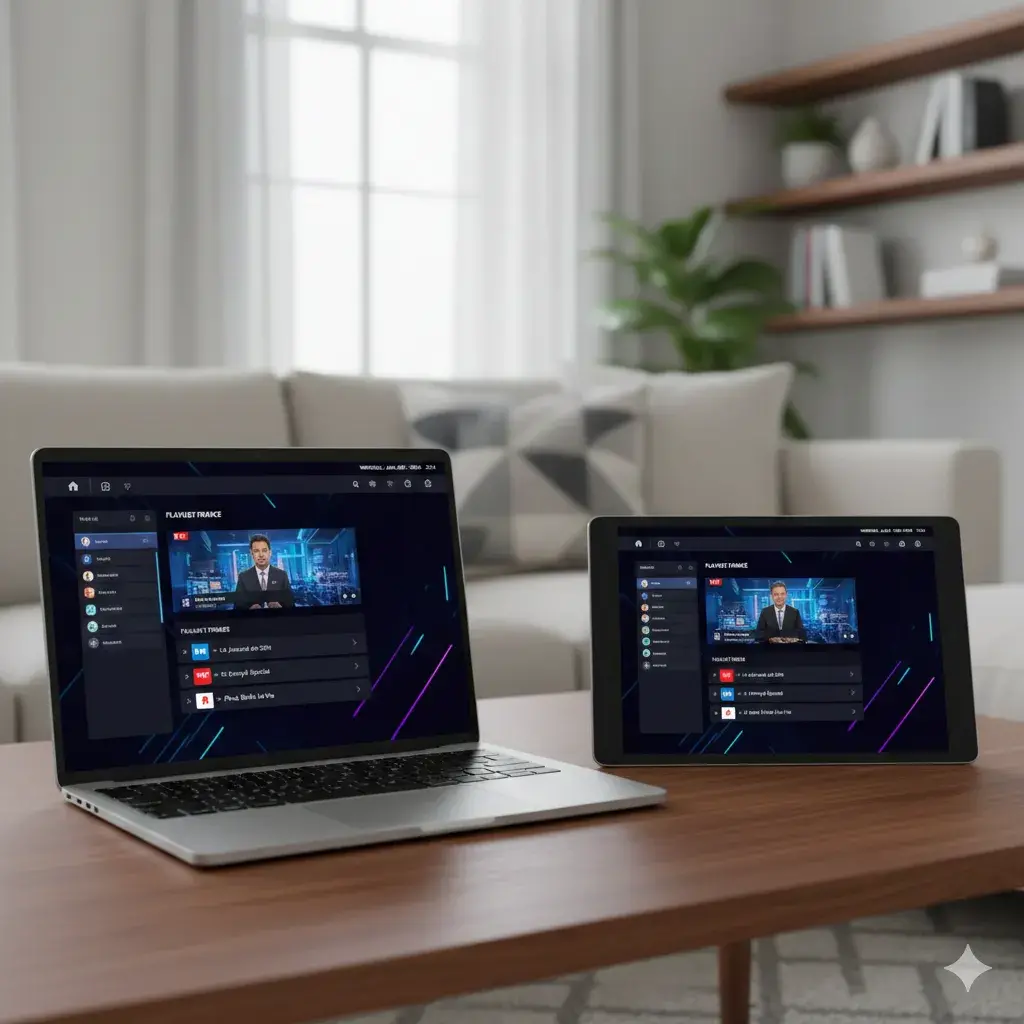
Opening IPTV on a TV, phone, and PC at the same time is the fastest way to trigger Error 458.
2. IP Conflict or VPN Switching
Switching between home WiFi, mobile data, or different VPN countries creates IP conflicts, which is the #1 reason users report Error 458 on Reddit.
3. Corrupted IPTV App Session
Apps like TiviMate, IPTV Smarters, XCIPTV store session tokens.
If these become outdated, your login will be rejected.
4. Shared or Leaked Playlist
Sharing your M3U or Xtream login publicly almost guarantees that your playlist will be blocked.
How To Fix IPTV Error Code 458 (Step-by-Step)
Step 1 – Close IPTV on All Devices
Exit the app everywhere: TV, phone, tablet, PC.
Step 2 – Wait 10 Minutes
This allows the provider’s server to clear your active sessions.
Step 3 – Turn Off VPN & Use One Stable Network
Avoid switching IPs while testing.
Step 4 – Clear Cache & Reset IPTV App
TiviMate
Settings → Clear Cache → Clear Data → Restart App
IPTV Smarters
Settings → Clear Cache → Delete User → Login Again
Step 5 – Re-enter Your IPTV Account Manually
Do not restore old backups.
Step 6 – Contact Your IPTV Provider
Ask them to:
Kick out your playlist sessions
Reset your account connections
This is the official fix when Error 458 does not clear automatically.
Why Choosing an IPTV Provider with 24/7 Support Matters
When errors like IPTV Error Code 458 happen, having access to 24/7 IPTV support makes a huge difference.
A provider with fast reply IPTV customer service can:
- Instantly kick out your active playlist sessions
- Reset your account in minutes
- Help you avoid repeated IP conflict errors
- Provide clear guidance when you see errors like 458 too many connections or playlist blocked
This is why experienced users prefer IPTV services with real-time assistance
With responsive support, Error 458 is no longer stressful — one quick message often gets you back online.
How To Prevent IPTV Error 458 in the Future
| Behavior | Result |
|---|---|
| Use only one device per account | Safe |
| Keep VPN country stable | Safe |
| Switch IPs frequently | High risk |
| Share your playlist | Account blocked |
| Watch IPTV on multiple devices | Error 458 guaranteed |
IPTV Error 458 – Reddit User Summary
Across Reddit IPTV communities, users consistently report that:
- Error 458 is not a player bug
- It is a server protection system
- The fastest solution is a provider playlist kick-out and account reset
Final Thoughts
IPTV Error Code 458 is caused by IP conflict or too many connections.
Follow the steps above, stabilize your IP, and contact your provider for a reset — your IPTV service will be restored quickly.